
bsport payments: top-ups and withdrawals on a phone
Deposits and payouts all run through a single cashier tab. I’ll go through the taps, what the app asks you for, and the bits that can take longer than you’d think.
Deposit routes that work on a phone
You start and finish a deposit on one screen. Choose a route, enter the amount, approve it in your bank app or wallet, then jump back to the lobby. On mobile data it’s about a minute. If the signal is weak, add a few seconds. Closing the app halfway won’t cancel a payment that has already left your bank.
What each route needs
| Route | What you type | When the balance moves |
|---|---|---|
| Card (Visa, Mastercard) | Number, expiry, name on the card | After the bank approves |
| QR through your banking app | Amount, then scan or approve | Seconds, a minute at most |
| E-wallet (Skrill, Neteller, MuchBetter) | Wallet email or ID, amount | When the wallet sends the money |
| Apple Pay or Google Pay | Face or fingerprint on the phone | Right after you confirm |
Deposit fees are rare. If a bank or wallet adds one, you’ll see it on their side of the transfer, not in the cashier. The bsport app takes you to the same cashier as the browser, just in fewer taps.
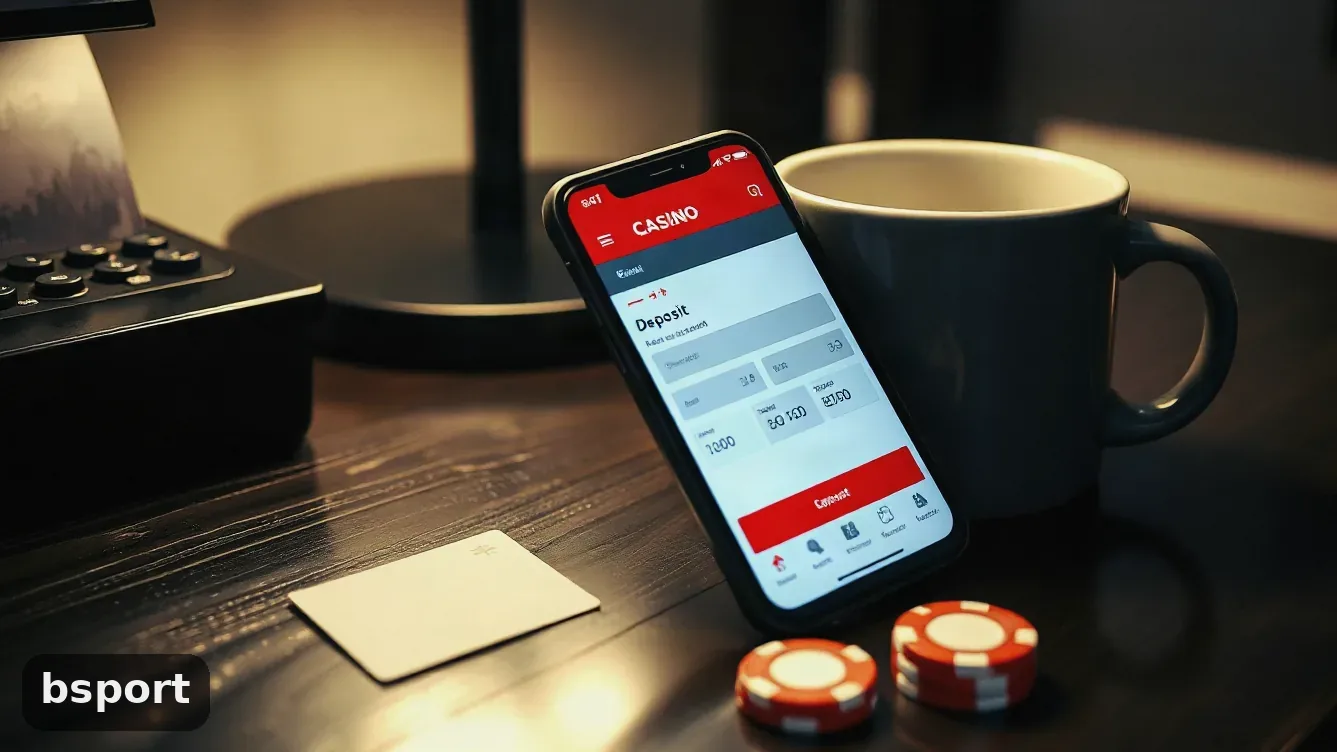
The buttons sit in the same spots in the browser and the app. Do it once on your phone and you’ll remember the order.
First deposit in four taps
-
 1Open the cashierTap the balance at the top of the lobby. A sheet drops down with the routes and each limit printed underneath.
-
 2Pick a route and an amountCards, QR and e-wallets are on the first screen. Tap one, then type the amount or hit a preset if you’re using a round number.
-
 3Approve it where the money isA card opens your bank’s 3-D Secure window. QR jumps to your banking app. A wallet asks for its PIN. Finish in that app, then come back to the casino tab.
-
 4Watch the pending line clearThe cashier shows the deposit as pending until the route confirms it. If nothing changes after ten minutes, send support a screenshot with the time and amount.
Payment methods you can pick
Cards, QR transfers and e-wallets are on one screen, with limits under each. What you see depends on your account currency and the country where you opened the account.
Payouts usually go back the same way the money came in. The cashier greys out any route that doesn’t match the deposit, so if you topped up by card, expect the withdrawal to go to that card.
- Visa
- Mastercard
- Qr
- Apple Pay
- Google Pay
- Skrill
- Neteller
- Muchbetter
Fees, limits and the wait after you withdraw
Each route shows a minimum and maximum before you confirm, so you won’t get a limit surprise after the money leaves. bsport doesn’t list a deposit fee. If one shows up, it’s from the bank or wallet on the other side.
- Limits are on the cashier screen, not buried in a help page, and they change by route.
- Most withdrawals go back to the route that paid in the deposit.
- A payout can wait on verification: ID, proof of address, and sometimes a selfie holding the document.
- Wagering on the bsport bonus terms page has to be finished before any bonus money can come out.
The welcome offer matches your first deposit at 100%, up to 12M ₫. To get it, put fun_2423 in the promo box before you pay. The bsport promo code page shows where the box sits.
Put a monthly cap on the account before you top up the first time. Limits you can switch on yourself sit on the bsport responsible gaming page, and that includes a cool-off period. 18+ only.
bsport payments: five questions I get a lot
How long should a deposit take?
QR, cards and most wallets: under a minute. Bank transfers can take longer, and some banks are slower at weekends.
Can I withdraw with a different method than I deposited?
Usually no. The money goes back to the route that paid in. You only get another route if the original can’t accept the payout.
Does the app handle payments differently?
No. It’s the same cashier and the same limits. The app is faster because you don’t type the address or log in again each time.
Money left my bank but the balance is empty
Check the pending line in the cashier first, then your bank statement. If the transfer shows on both sides and nothing changes after ten minutes, send support the time, the amount and a screenshot.
Do payouts have a fee?
bsport doesn’t list one. Your bank or wallet may charge a fee on the incoming transfer. That fee shows on their statement, not in the cashier.